









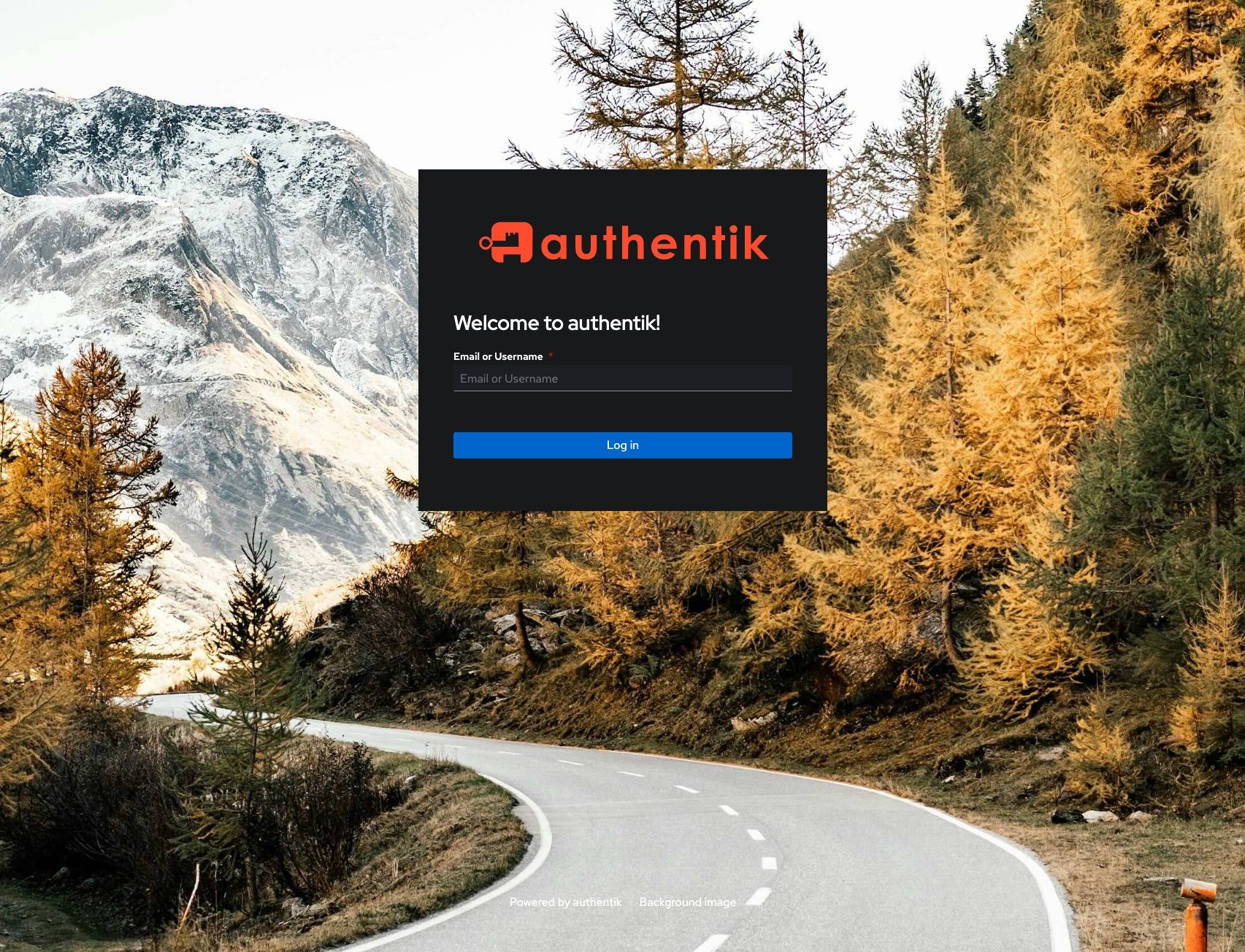
Add website to Authentik
Integrating a new application into Authentik using a username-based approach (like <user>) typically involves setting up a Provider and an Application. Since you are using a local IP (192.168.0.x ), you’ll likely be using Authentik as a Forward Proxy or via an Outpost.
Here is the step-by-step workflow to get paper.<domain>.com connected:
1. Create the Provider
The Provider defines how Authentik communicates with your website.
Navigate to Resources > Providers and click Create.